Work · Proof of concept
Vibe Village.
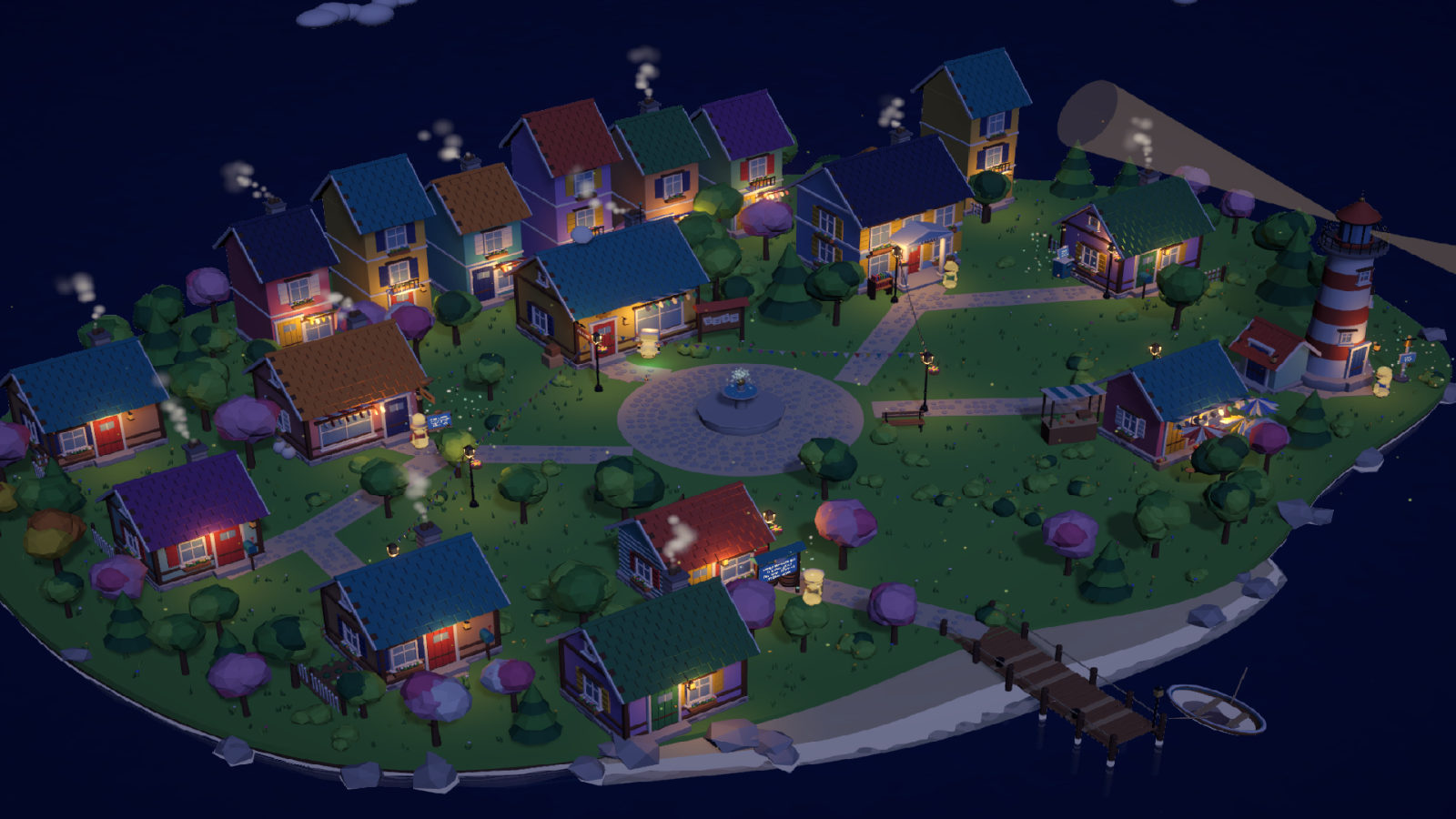
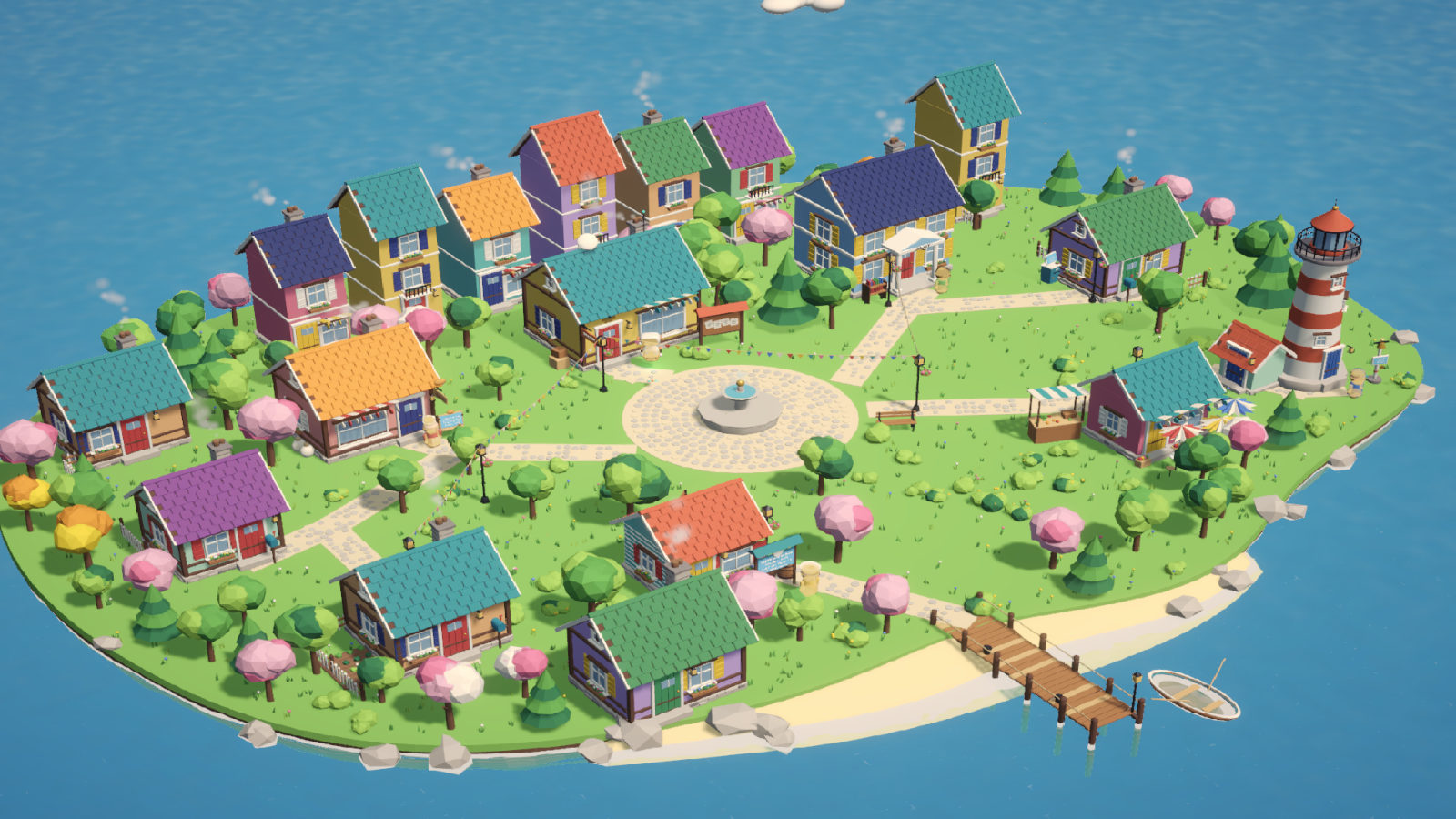
A cosy island town that helps people new to AI build their first apps with it. It's a proof of concept, made with Blender, Unity and Claude Code.
- FocusTeaching people to build apps with AI, through play
- ToolsBlender, Unity, Claude Code
- My partThe learning design, the art direction and the review. Claude Code wrote the scripts and code.
A proof of concept
Vibe Village isn't a live product, and it isn't used in any course or programme. I made it to test what a learning designer can build on their own with today's tools: a small but complete game, with real lessons, its own art and sound, and a day you can play from start to finish.
So it's a test of the workflow as much as the game. How far can one person get, how good can it look, and where does the designer's judgement still matter most?
The problem
More people are building software by describing it to AI. The skills that matter aren't syntax. They're judgement: saying exactly what you want, describing what's wrong when it breaks, checking the work before it ships, and building in small steps.
Judgement is hard to teach on slides. You learn it by getting it wrong and seeing what happens.
The game
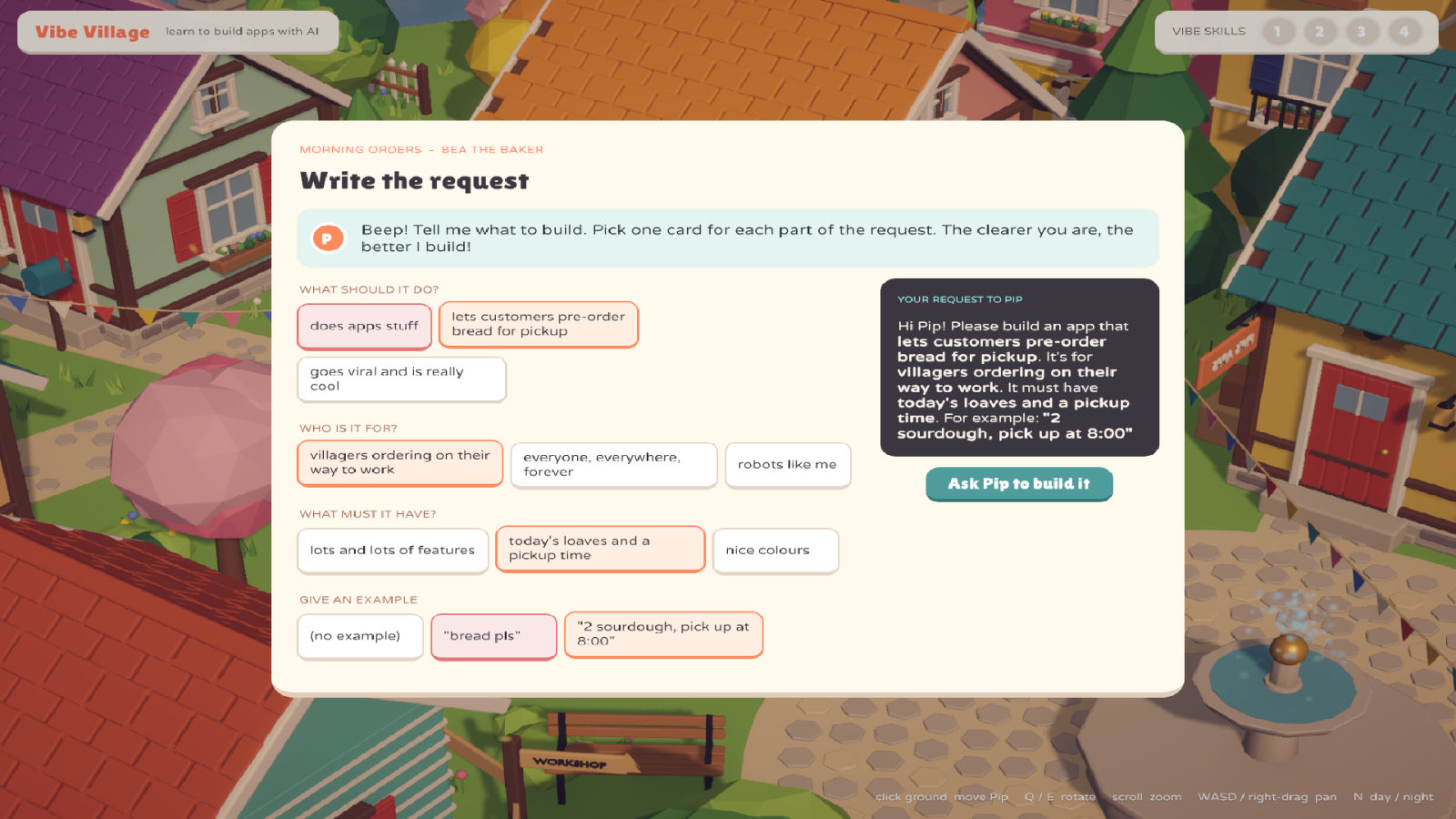
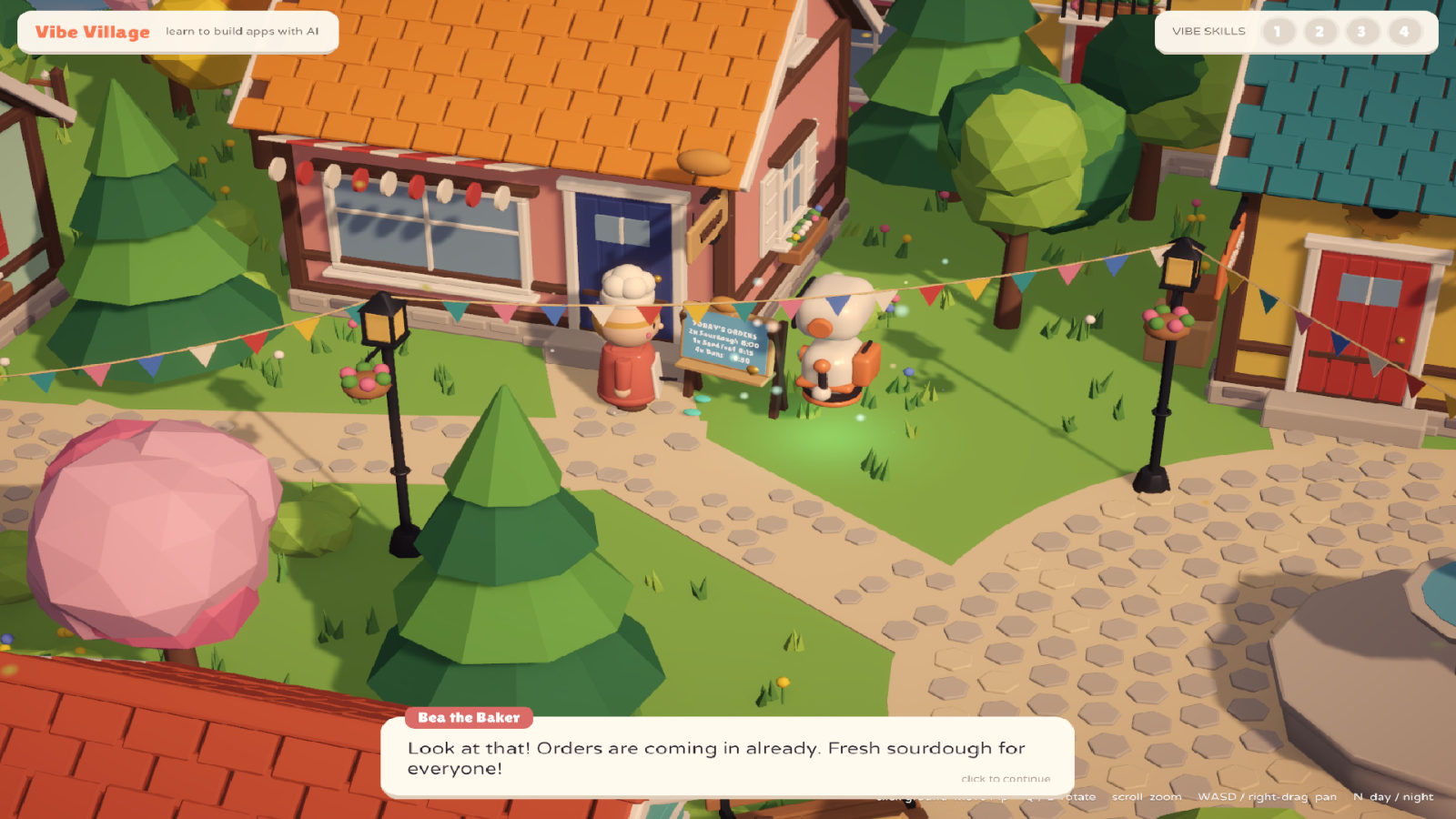
You team up with Pip, a small app-building robot. Villagers bring you problems, you tell Pip what to build, and Pip builds it. Each finished app appears in the town as a working contraption. Each of the four villagers teaches one skill.
- Bea the baker: be specific. You build the request from cards. Pick the vague ones and Pip builds the wrong thing, and you see exactly why.
- Morris the lighthouse keeper: test and describe bugs. Pip's tide alarm rings late. "It's broken" doesn't help. A precise bug report does.
- Ada the librarian: review before you ship. You check Pip's feature list and flag what shouldn't go out, like a public list of home addresses.
- Cap'n Juno: small steps. Ask for everything at once and Pip short-circuits. Put the smallest useful steps in order and it works.
The day moves from morning to night as you help each villager, ending in a lantern-lit celebration.
It puts the ideas from my talk, Bump the Lamp, to work. Each villager's request is the mission. You learn by doing and seeing the result, not by reading rules. The wrong answers are built from real mistakes, so they tempt.
How it's built
Blender makes the world
Every house, roof shingle, lamp post, character and the island itself is generated by Python scripts in Blender. To change a colour or move a house, I change the script and rebuild in seconds. The colour palette lives in one file that Blender and Unity both read, so the two never drift apart.
Unity makes it a game
Blender exports the models and a layout file. Unity reads that file and builds the whole scene: the buildings, the lights, the water, the camera, the interface and the game. It has a day and night cycle, a custom water shader, and music and sound effects synthesised in code, with no audio files.
Claude Code does the build
I work like a director. I describe what I want, like softer colours, more space between the houses or characters you can find behind buildings. Claude Code changes the scripts, rebuilds the town, plays through the game and takes screenshots. I review the screenshots and give notes, and we go round again.
What I'm learning
The skills the game teaches are the ones I use to make it. A vague note gets a vague result. "It looks wrong" gets nowhere, but "the characters walk through the houses" gets fixed. Reviewing every screenshot catches problems before they stack up, and small changes are easier to judge than big ones.
You can play it at the top of this page. It runs in the browser on a laptop, tablet or phone.